Last updated: June 6, 2026
If you’ve been struggling to focus, feeling drained by midday, or just can’t seem to get comfortable at your desk, your work from home set up ideas need a serious refresh. We’re going to walk you through practical, budget-friendly changes that can transform any corner of your home into a productive workspace. You’ll have real solutions you can start using today.
Choosing the Right Spot in Your Home
Before you buy anything, you need to find the right location for your workspace. Not every room is created equal, and where you work matters just as much as how you work.
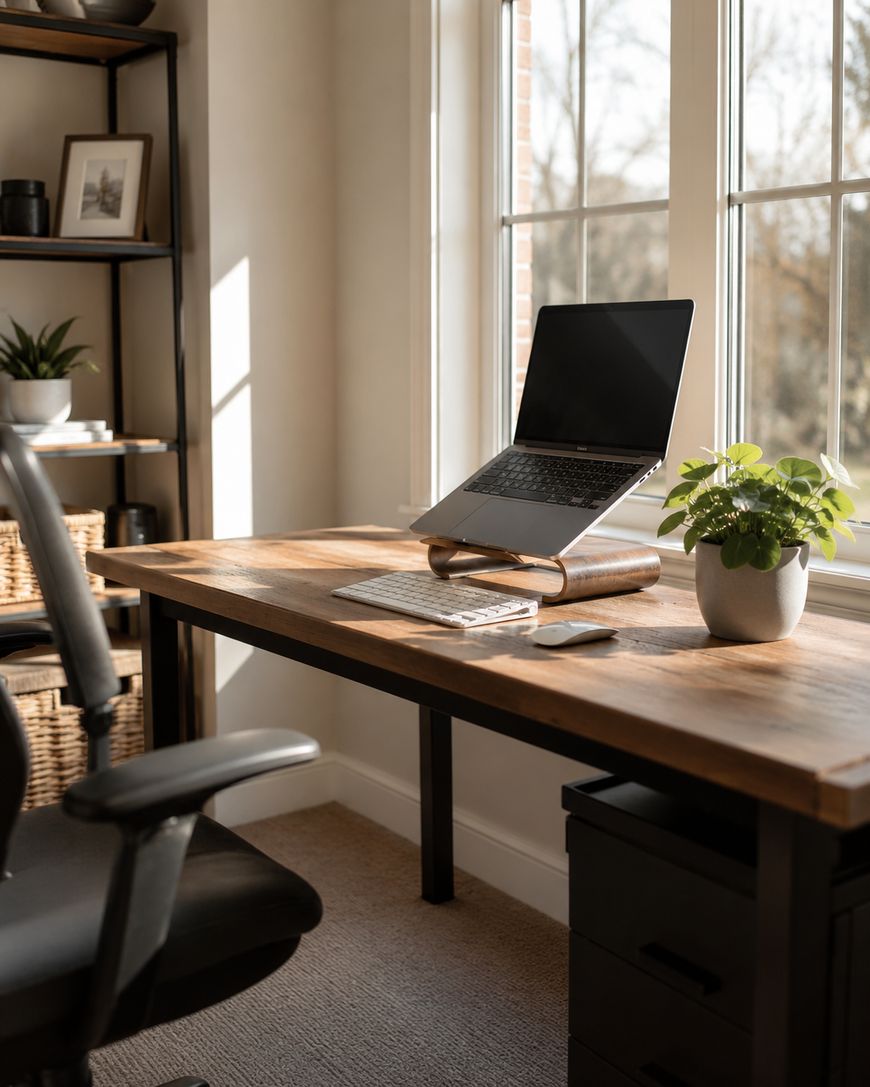
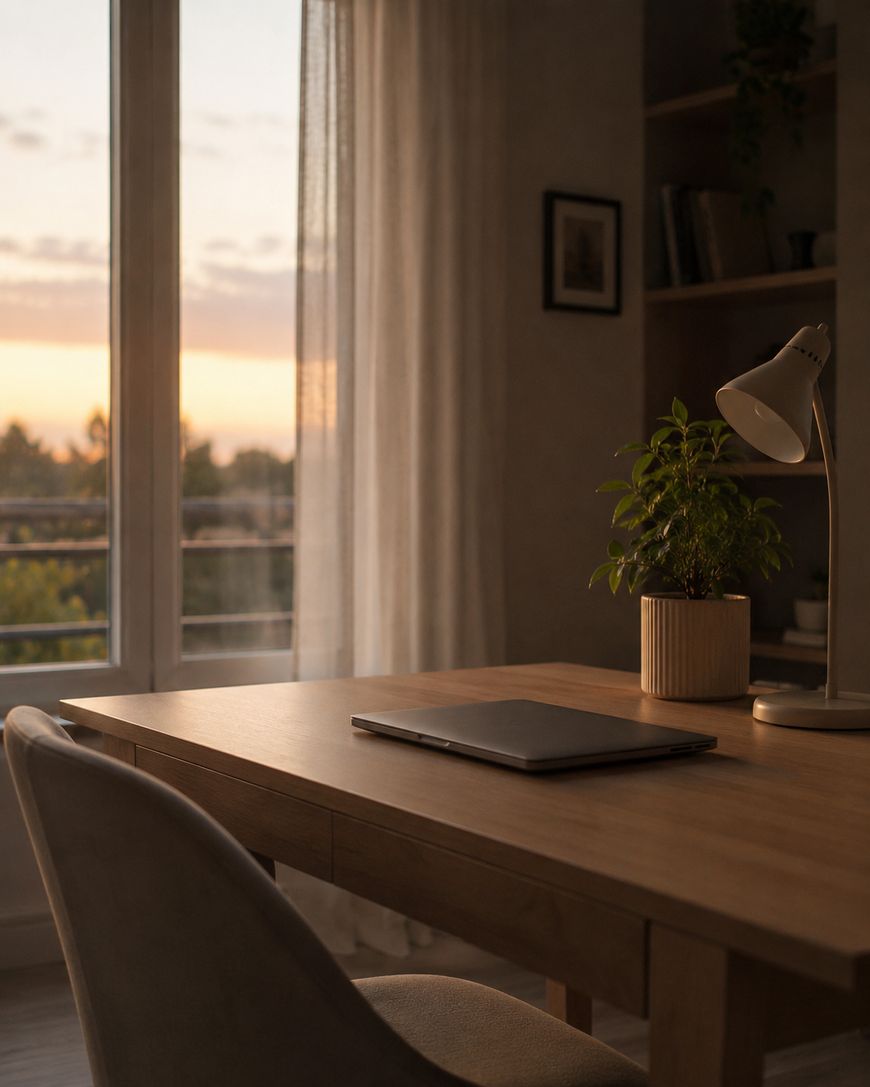
Look for a spot with natural light, ideally positioned so the window is to your side rather than directly behind or in front of your screen. Side lighting reduces glare while still giving you the mood-lifting benefits of daylight. If natural light is limited, a quality daylight bulb in a desk lamp makes a significant difference in how alert and focused you feel throughout the day.
Think about noise levels at different times of the day. The quietest corner of your apartment at 8 a.m. might be directly beside noisy neighbors by noon. Spend a day or two observing your home’s sound patterns before committing to a location, and consider a pair of noise-canceling headphones as a backup strategy for unpredictable disruptions.
Separation from your relaxation spaces is also worth prioritizing. When possible, avoid working from your bed or couch. Your brain builds strong associations between spaces and activities, so working where you sleep or unwind makes it harder to mentally switch between rest and productivity modes.
Ergonomics: The Foundation of Every Good Work From Home Set Up
No work from home set up idea matters more than getting your ergonomics right. Poor posture and uncomfortable positioning lead to fatigue, tension headaches, and long-term physical issues that are far more costly than a good chair.
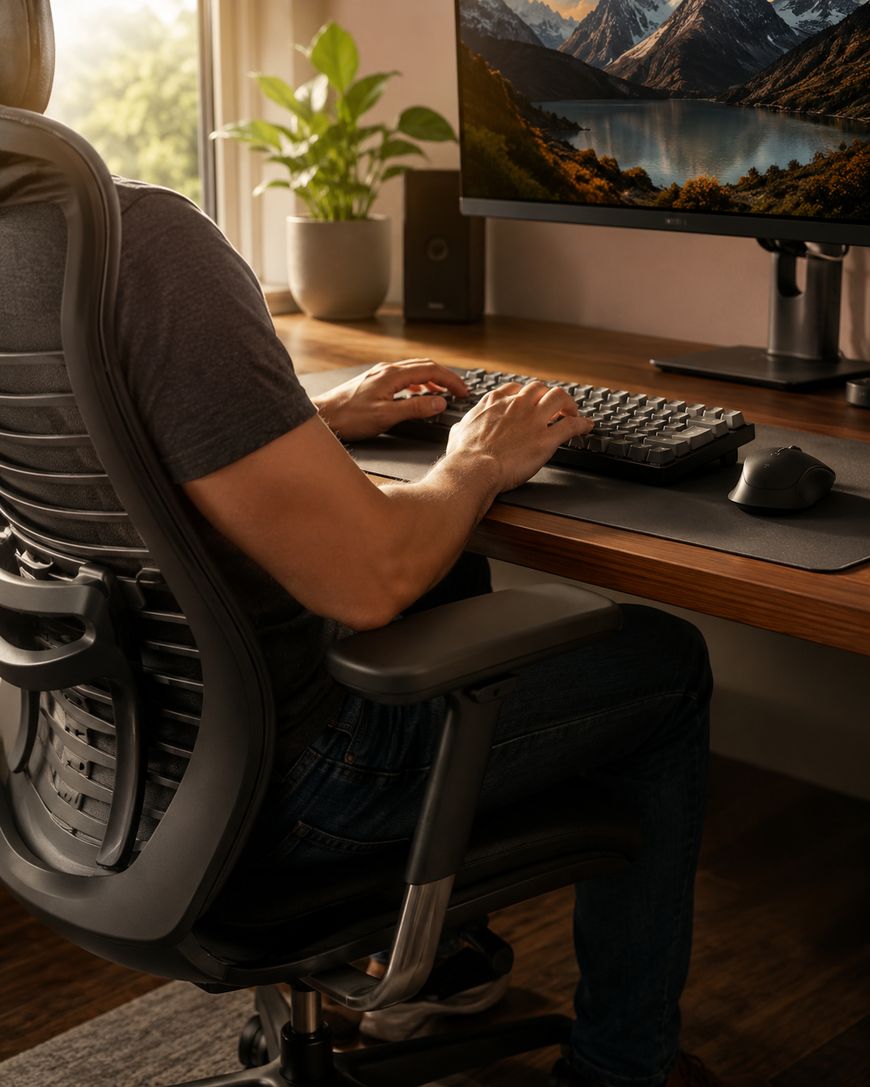
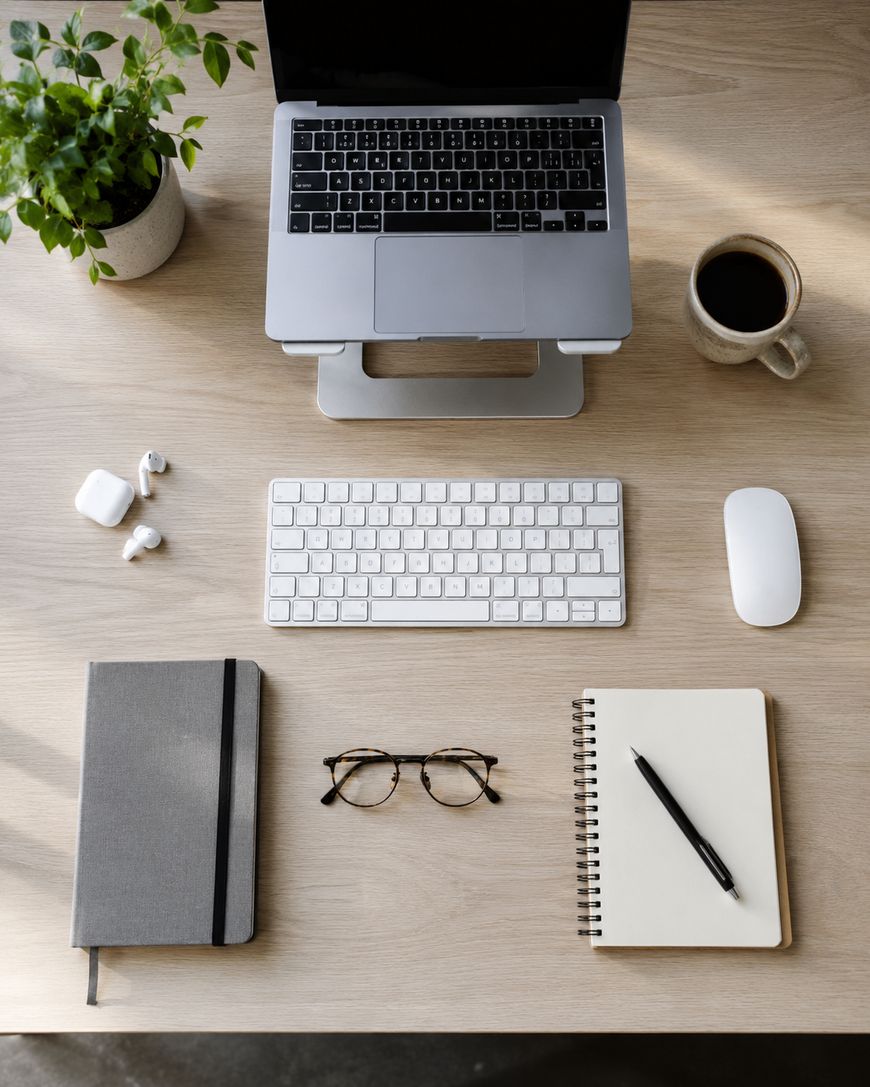
Your monitor should be at eye level, roughly an arm’s length away from your face. If you’re working on a laptop, a laptop stand paired with an external keyboard and mouse is one of the best upgrades you can make. It lifts the screen to a comfortable height while freeing your hands to work in a natural, relaxed position.
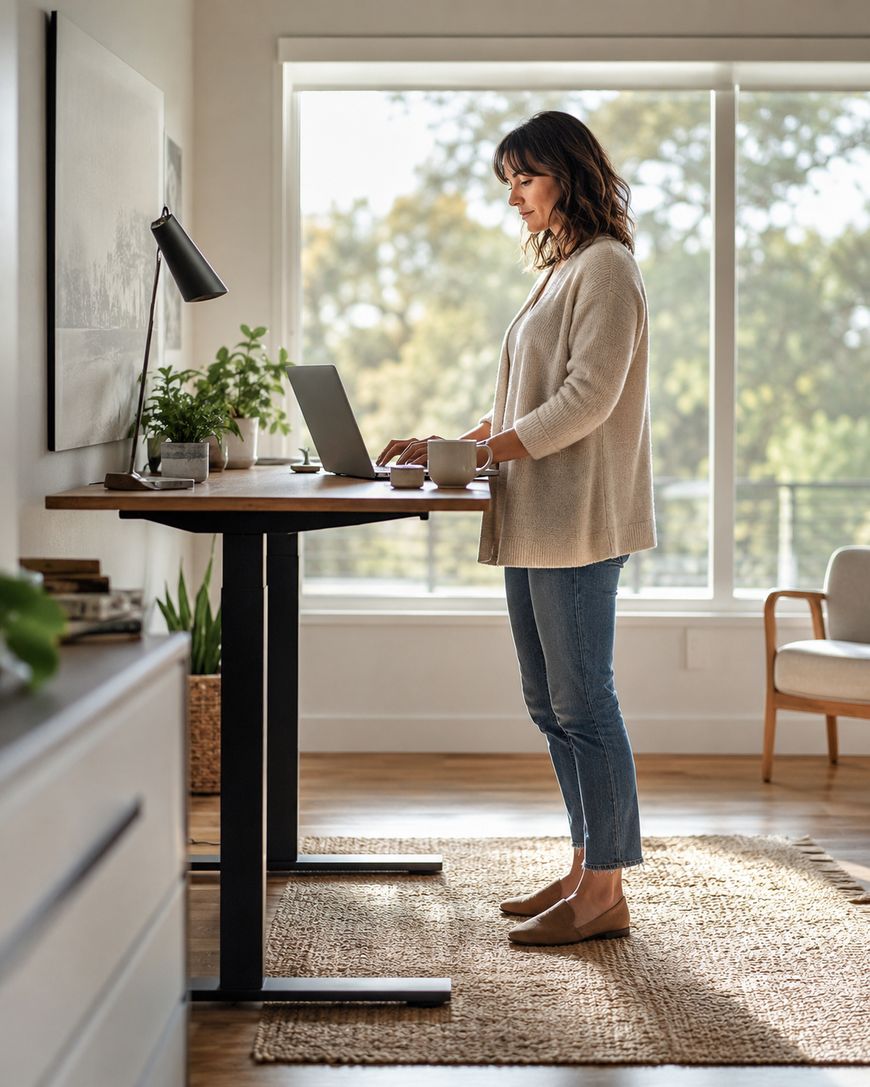
Your chair should allow your feet to rest flat on the floor with your knees at roughly a 90-degree angle. If your current chair doesn’t cut it, a lumbar support cushion can make an inexpensive but meaningful improvement. Alternating between sitting and standing throughout the day is ideal, and adjustable standing desks have become much more affordable in recent years.
Take regular movement breaks. Set a timer to stand up, stretch, and walk around for a few minutes every hour. This isn’t just good for your body—it also helps reset your concentration and prevents the mental fog that builds up during long, unbroken sitting sessions.
Desk Organization and Decluttering
A cluttered desk is one of the most overlooked productivity killers in any home office setup. Visual clutter competes for your attention even when you’re not consciously looking at it, making focused work harder than it needs to be.
Start by removing everything from your desk and only returning what you actually use on a daily basis. Everything else should be stored in a drawer, on a shelf, or donated. The fewer objects in your visual field while you work, the less cognitive energy you spend filtering out distractions.
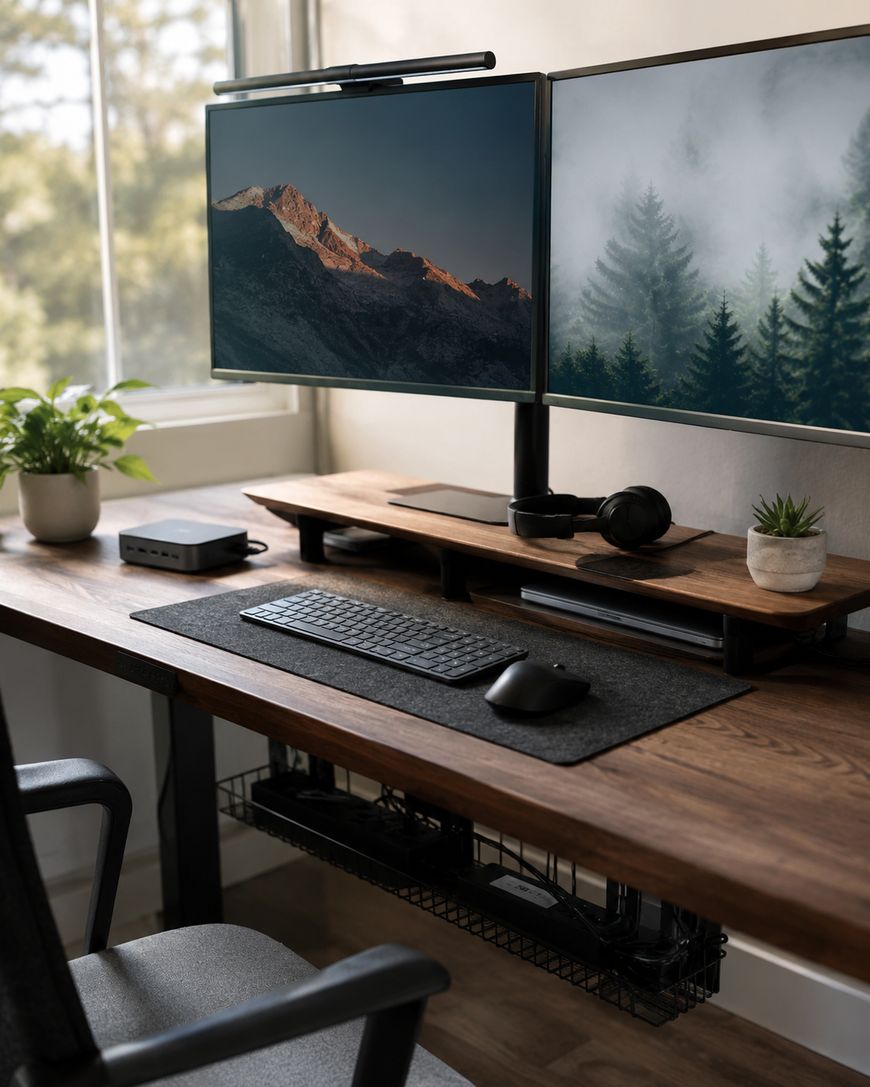
Cable management is a small detail that makes a big visual difference. Velcro cable ties, adhesive cable clips, or a simple cable tray under your desk can transform a messy tangle into a clean, professional-looking workspace. When your environment looks organized, your brain tends to follow suit.

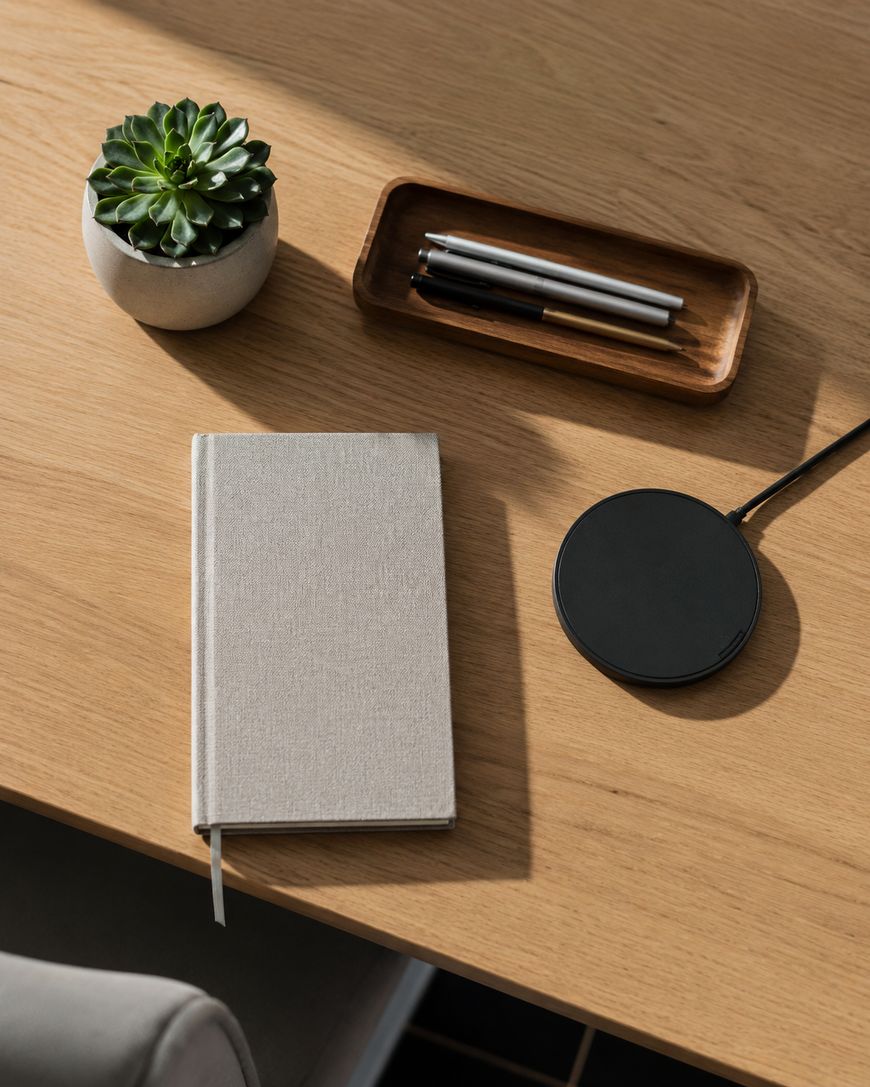
Invest in a few simple organizers for the items that do live on your desk—a small tray for notebooks and pens, a charging stand for devices, and a single plant or personal item to make the space feel like yours. Keeping surfaces clear while adding just enough personality creates a space that feels both professional and welcoming.
Lighting Strategies That Reduce Eye Strain
Lighting is one of the most underrated work from home set up ideas, and it’s something most people set up once and never revisit. Getting your lighting right can dramatically reduce eye strain, headaches, and end-of-day fatigue.
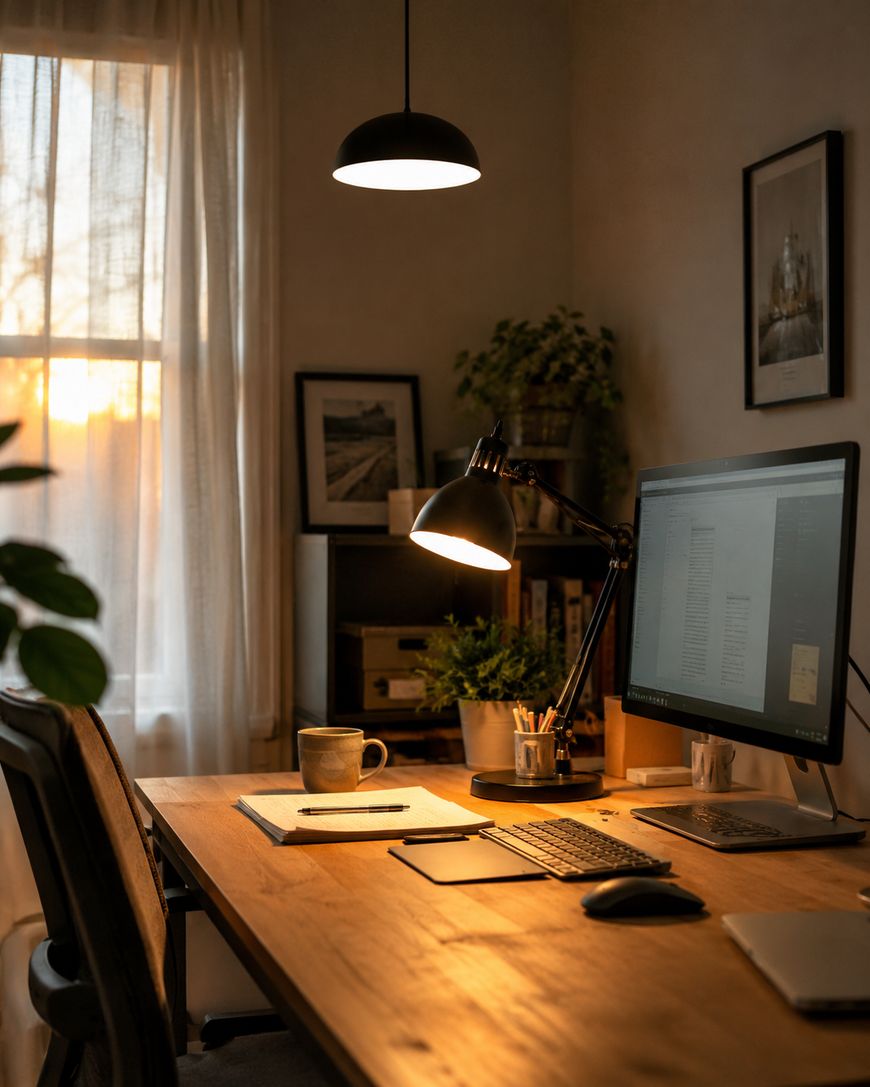
The key is layering your light sources rather than relying on a single overhead fixture. A bright overhead light paired with a desk lamp positioned to illuminate your workspace without creating glare on your screen gives you much more control. Being able to adjust your lighting throughout the day as natural light shifts is ideal.
For video calls, front-facing light is essential. A ring light or a lamp positioned just behind your monitor will illuminate your face evenly and make you look far more polished on camera. This small upgrade makes a genuine difference in how professional you come across during virtual meetings.

Blue light from screens can also disrupt your energy and sleep, especially in the afternoon and evening. Most devices now have a night mode or warm color temperature setting that reduces blue light exposure. Enabling this feature after 3 p.m. is a simple habit that can improve your wind-down routine at the end of the workday.
Tech Tools That Streamline Your Workflow
The right technology makes your work from home set up dramatically more efficient. You don’t need the latest and most expensive gear—you need the right tools for how you actually work.
A second monitor is one of the highest-return upgrades available to remote workers. Being able to reference one document while working in another, or keeping your email visible without constant alt-tabbing, saves significant mental energy throughout the day. Even a modest second screen makes multitasking far less disruptive.
A quality USB hub or docking station simplifies your desk setup by letting you connect your laptop to multiple peripherals with a single cable. This means your monitor, keyboard, mouse, and headset are all instantly available when you sit down, with no fumbling or reconnecting required.
A reliable webcam and a dedicated microphone make virtual meetings much more comfortable for everyone involved. Built-in laptop cameras and microphones are functional but rarely impressive. A mid-range external webcam and a USB microphone are affordable upgrades that make a meaningful difference in how clearly you communicate and how professional you come across.
Creating Boundaries That Protect Your Focus
One of the most important but least discussed work from home set up ideas is about boundaries—both physical and behavioral—that help you separate work from the rest of your life. Without these, the lines blur quickly and burnout follows.
Create a clear start and end to your workday, and signal those transitions with consistent rituals. Getting dressed as if you’re going to an office, making a cup of coffee before sitting down, or taking a short walk before you begin can all help your brain shift into work mode. Ending the day with a shutdown routine—reviewing what you accomplished, closing your tabs, and tidying your desk—signals that work is done.
Let the people in your home know your schedule and what “focus time” looks like for you. Physical cues like a closed door, headphones on, or a simple sign can reduce interruptions without requiring constant reminders. These boundaries protect not just your productivity but also your relationships by making your needs clear and predictable.
If possible, physically close your workspace at the end of the day. Shutting a door, putting away your laptop, or even draping a cloth over your desk creates a visual and physical separation between work and home life that helps you decompress and be more present during off-hours.
Why Your Home Office Setup Matters More Than You Think
Most people underestimate how much their environment shapes their ability to concentrate. A cluttered, uncomfortable, or poorly lit workspace doesn’t just feel bad—it actively chips away at your focus, energy, and output hour after hour.
Research consistently shows that people working in well-organized, ergonomically sound spaces report higher job satisfaction and fewer physical complaints like back pain and eye strain. When you invest a little time into your setup, you’re not just decorating—you’re building conditions where deep work can actually happen.
The good news is that you don’t need a dedicated room or a massive budget to make meaningful improvements. Some of the most impactful work from home set up ideas cost nothing at all, while others require only small, smart purchases that pay off quickly in comfort and productivity.
Q&A: Work From Home Set Up Ideas
What is the most important item in a home office setup?
An ergonomic chair or properly adjusted seating is often cited as the single most important element. Poor seating leads to physical discomfort that compounds over time, making every other aspect of your setup harder to enjoy. If your budget is limited, prioritize a lumbar support cushion or an adjustable chair before anything else.
How do I set up a work from home space in a small apartment?
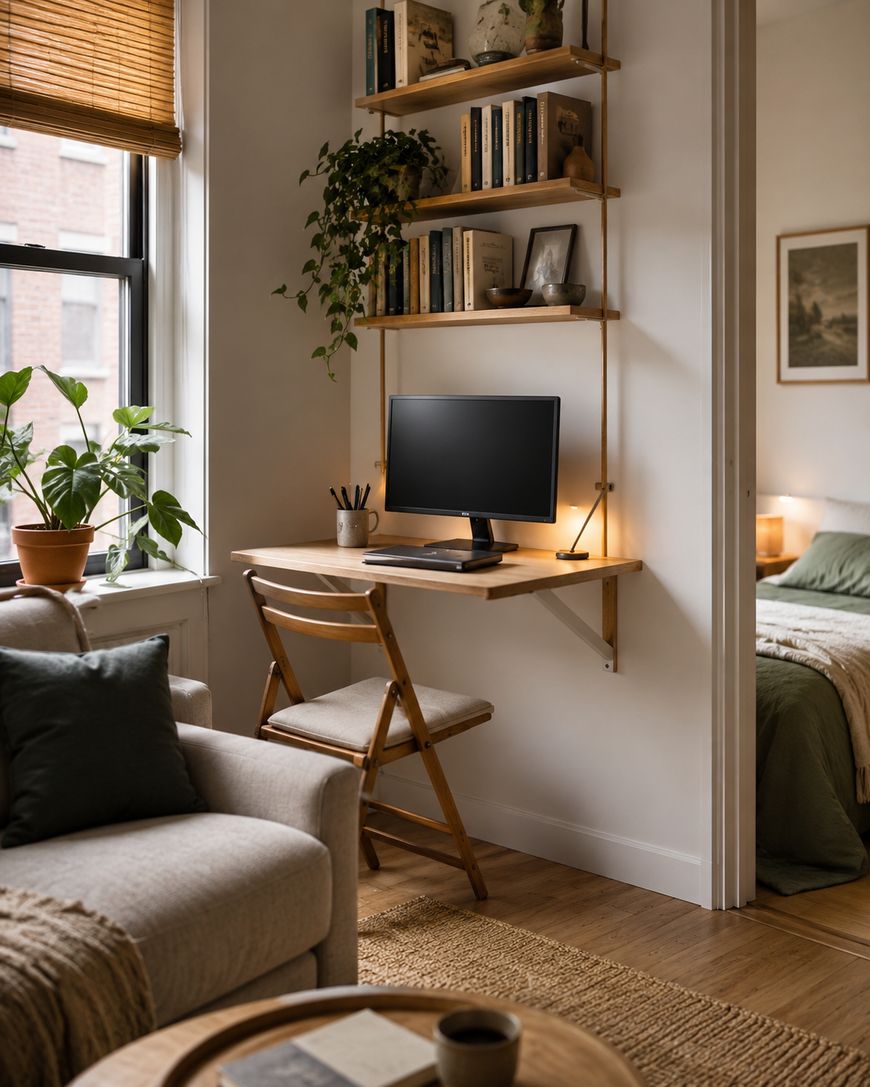
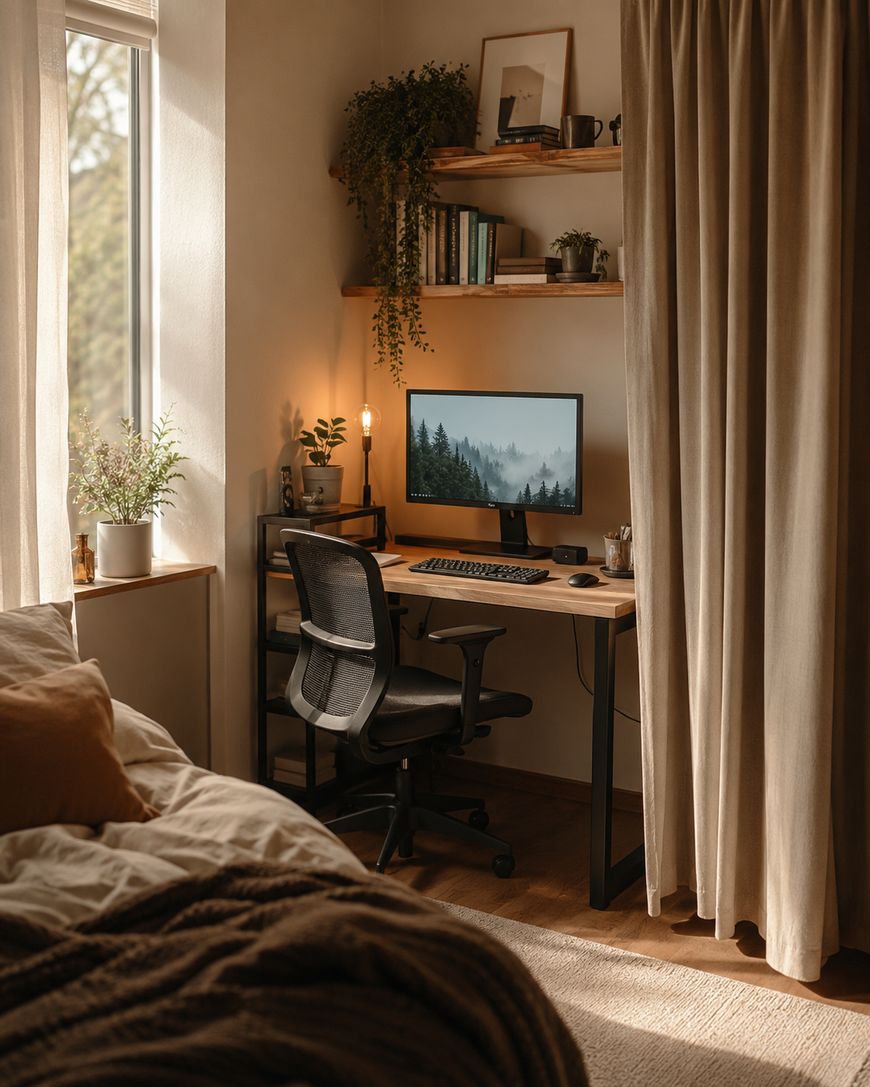
Focus on vertical space and multi-purpose furniture. A wall-mounted shelf above a small desk, a foldable desk that tucks away when not in use, or a corner unit that uses otherwise wasted space can all create a functional work area without taking over your living room. The key is defining a dedicated spot, even if it’s compact.
How can I make video calls look more professional from home?
Position a light source directly in front of you, at roughly face height, so your face is evenly lit. Choose a background that is tidy and neutral, or use a blurred background in your video software. An external webcam placed at eye level makes a significant visual improvement over a built-in laptop camera.
What’s the best way to reduce distractions when working from home?
Noise-canceling headphones are often the fastest solution for auditory distractions. For digital distractions, apps like Freedom or Focus@Will can block time-wasting sites during deep work sessions. Communicating your schedule clearly to others in your home reduces interruptions more than any gadget.
Do I need a dedicated room to have a good home office?
No—plenty of effective home office setups exist in corners of bedrooms, living rooms, or even hallways. What matters more than the room is having a consistent, organized spot that you use only for work. Consistency helps your brain associate that space with focus and productivity over time.
How much should I spend on a home office setup?
You can build a functional, comfortable work from home setup for a few hundred dollars by prioritizing ergonomics, lighting, and a reliable internet connection. More expensive doesn’t always mean more productive—identify your biggest pain points first and address those before spending on upgrades that won’t move the needle for your specific work style.
Pulling It All Together
The best work from home set up ideas aren’t about spending the most money or replicating a corporate office in your living room. They’re about building an environment that supports the way you work, reduces friction, and makes it easy to show up focused and energized every day.
Start with one or two changes that address your biggest current frustration—whether that’s an uncomfortable chair, a cluttered desk, or a dim workspace. Small, intentional improvements stack up quickly, and each one makes the next easier to implement.
Take a look at your current setup today and pick one thing to improve this week. Your future self will thank you for it.