Last updated: September 21, 2026
You want your phone to work harder for you, not just sit full of apps you never open. These must have apps solve real problems, from planning your week to saving money on things you already buy. We are breaking down exactly which ones deserve a spot on your home screen.
The Must Have Apps For Staying Organized
Your calendar app is not enough on its own anymore. Pairing a task manager with your calendar gives you one place to see everything you owe your time to. Google Calendar is a solid pick for the scheduling half, while an app like TickTick fills in the task management side.
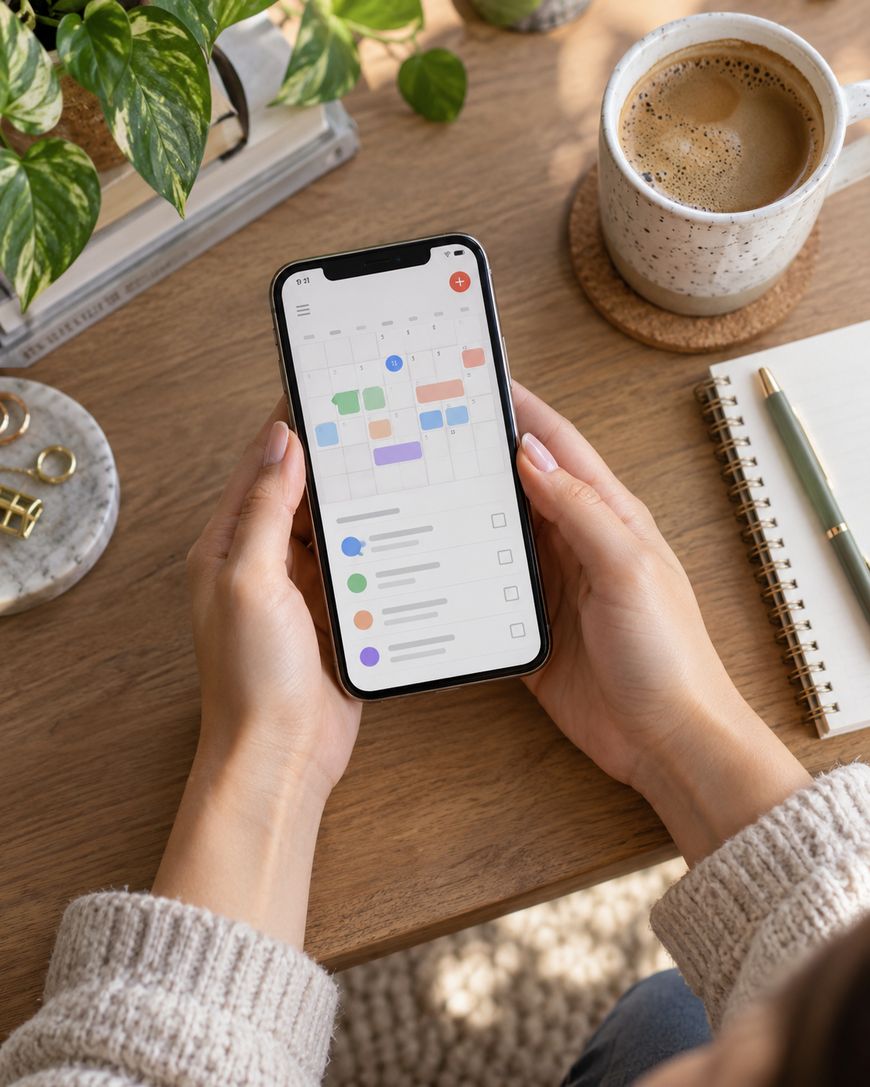
Look for an app that lets you drag tasks straight onto a timeline. This turns a vague to-do list into a real plan for your day.
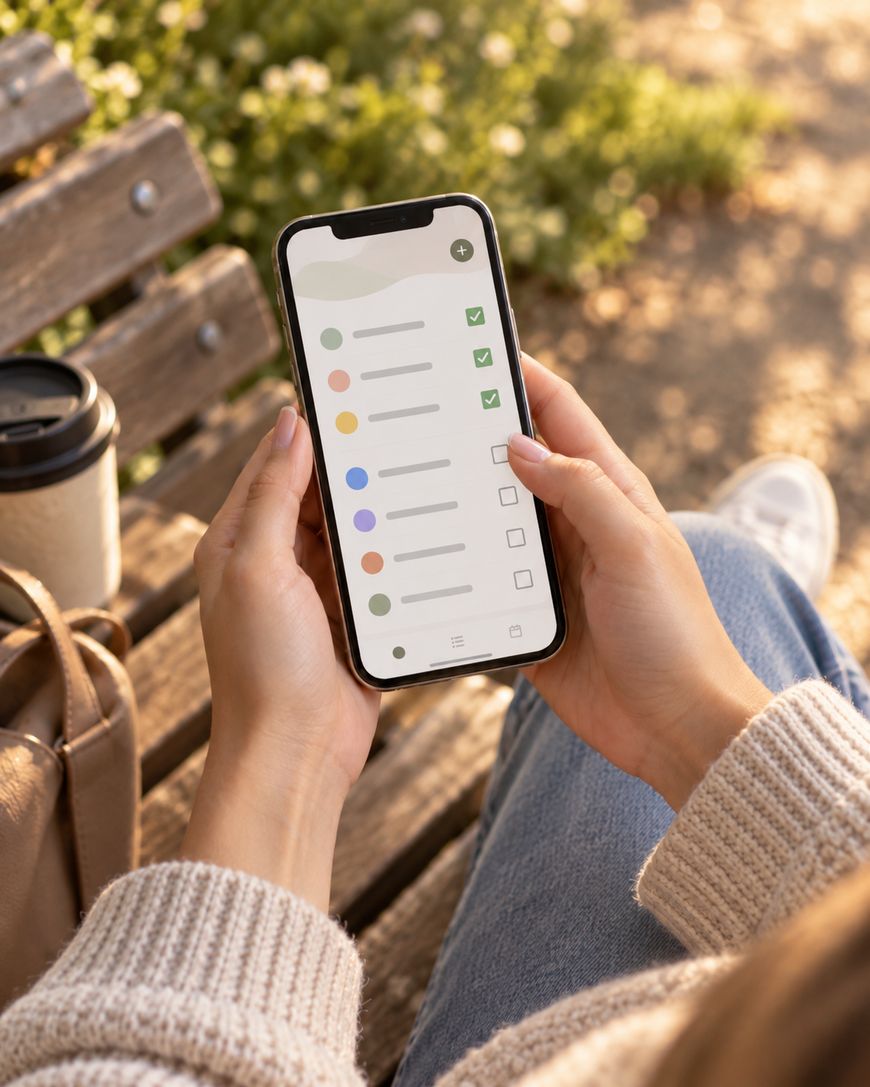
Notion and Todoist both do this well, and either one becomes a true command center once you build the habit. Set a five minute nightly review so tomorrow never sneaks up on you.
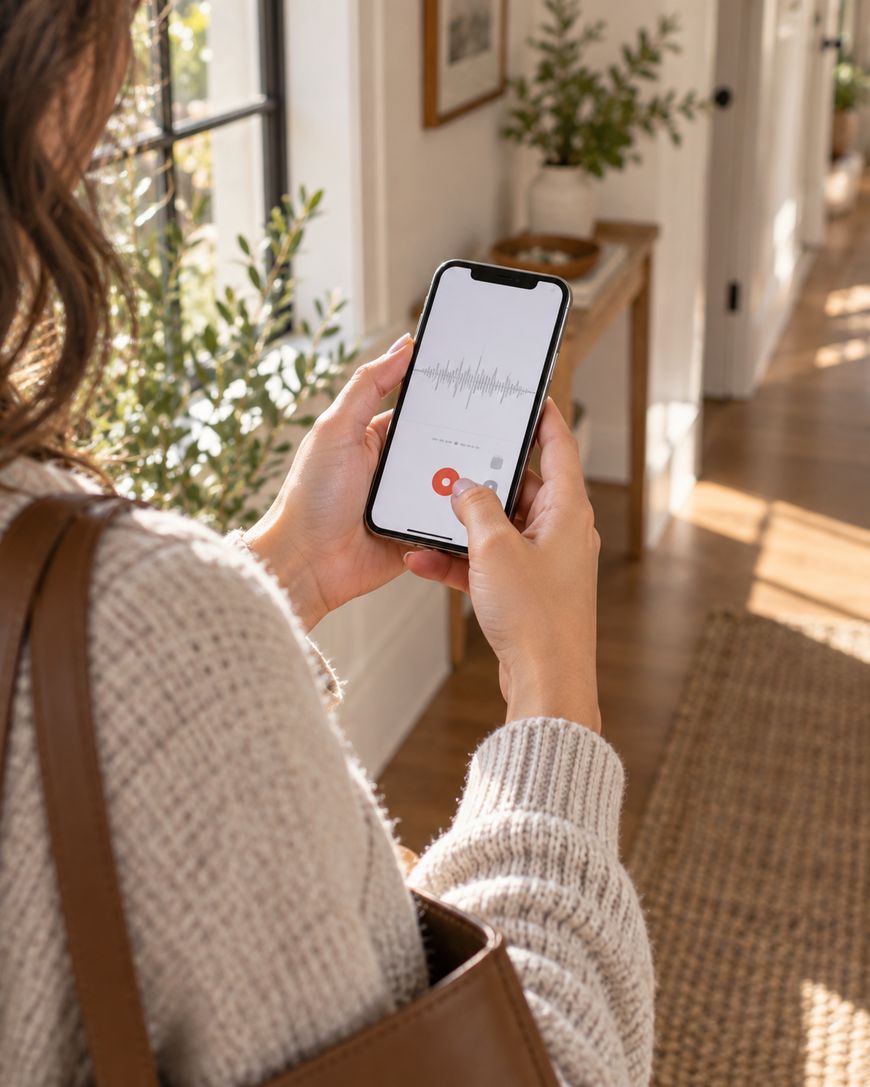
Voice memos apps also deserve a permanent spot here. Otter.ai and the built-in Voice Memos app both let you capture an idea in three seconds, not fumble through six taps.
Apps That Save You Real Money
Budgeting apps have gotten so much better at doing the boring work for you. Apps like YNAB (You Need A Budget) and Copilot Money pull in your transactions, sort your spending, and show you patterns you would never catch by hand.
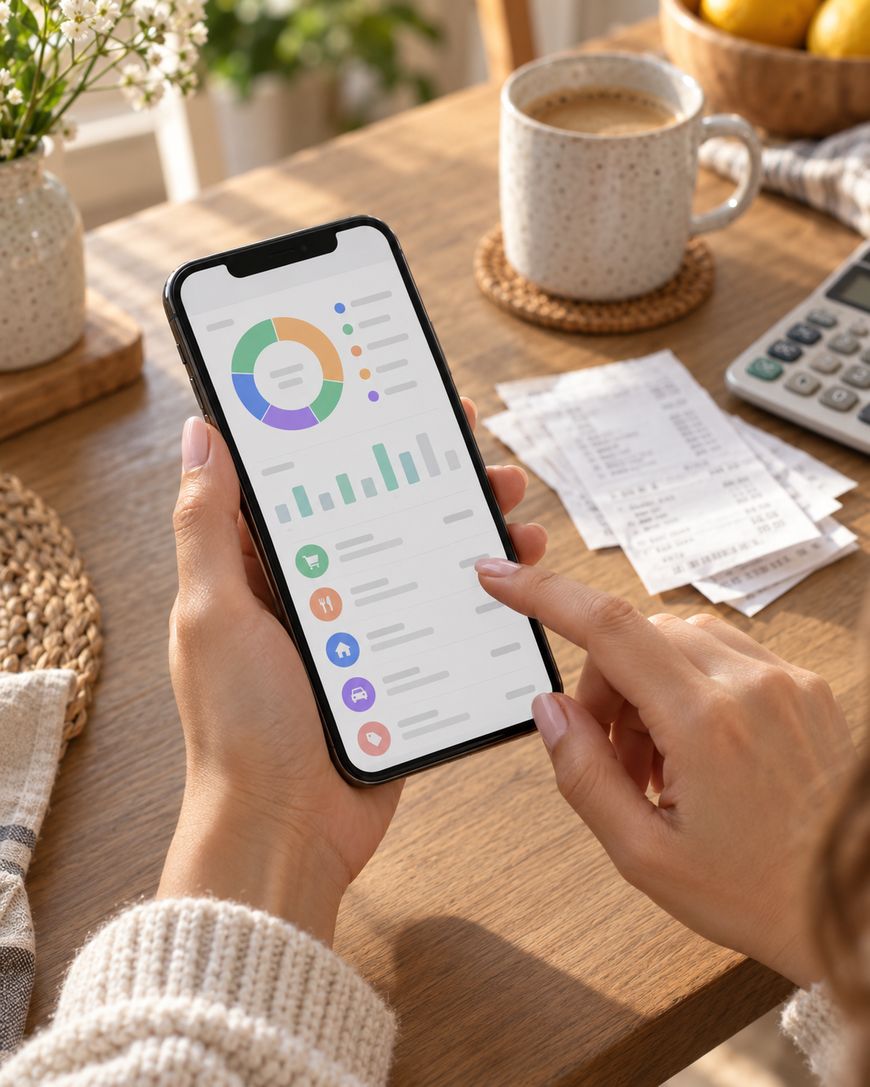
Look for one that lets you set category limits and sends alerts when you are close, the way Rocket Money does. That single feature stops more impulse spending than any willpower trick.
Cashback and rewards apps are the second half of this pair. Rakuten, Ibotta, and Fetch all let you link your existing cards or scan receipts, shop like normal, and the savings show up without any extra effort on your part.
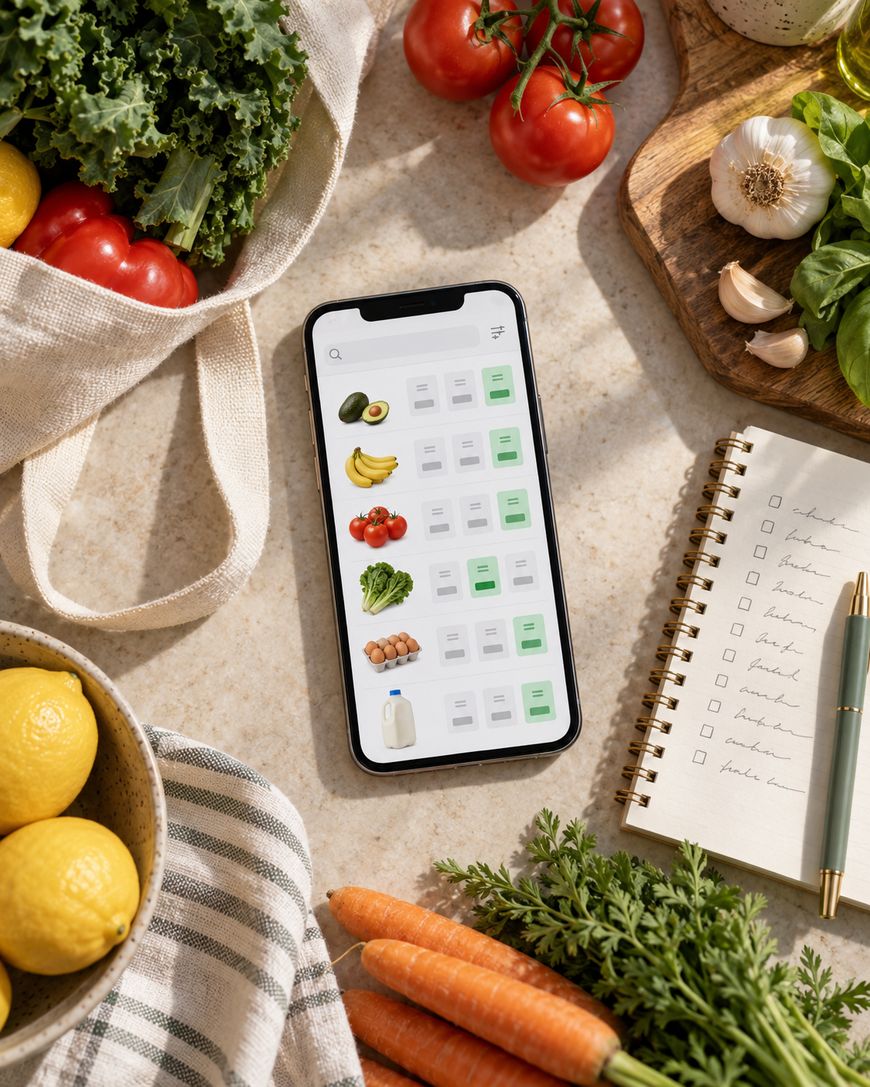
Grocery price comparison apps round this out nicely. Flipp is the go-to here, letting you scan weekly ads so a quick check before you head to the store can point you toward the cheaper option two aisles over or a different shop entirely.
Apps For Your Health And Routine
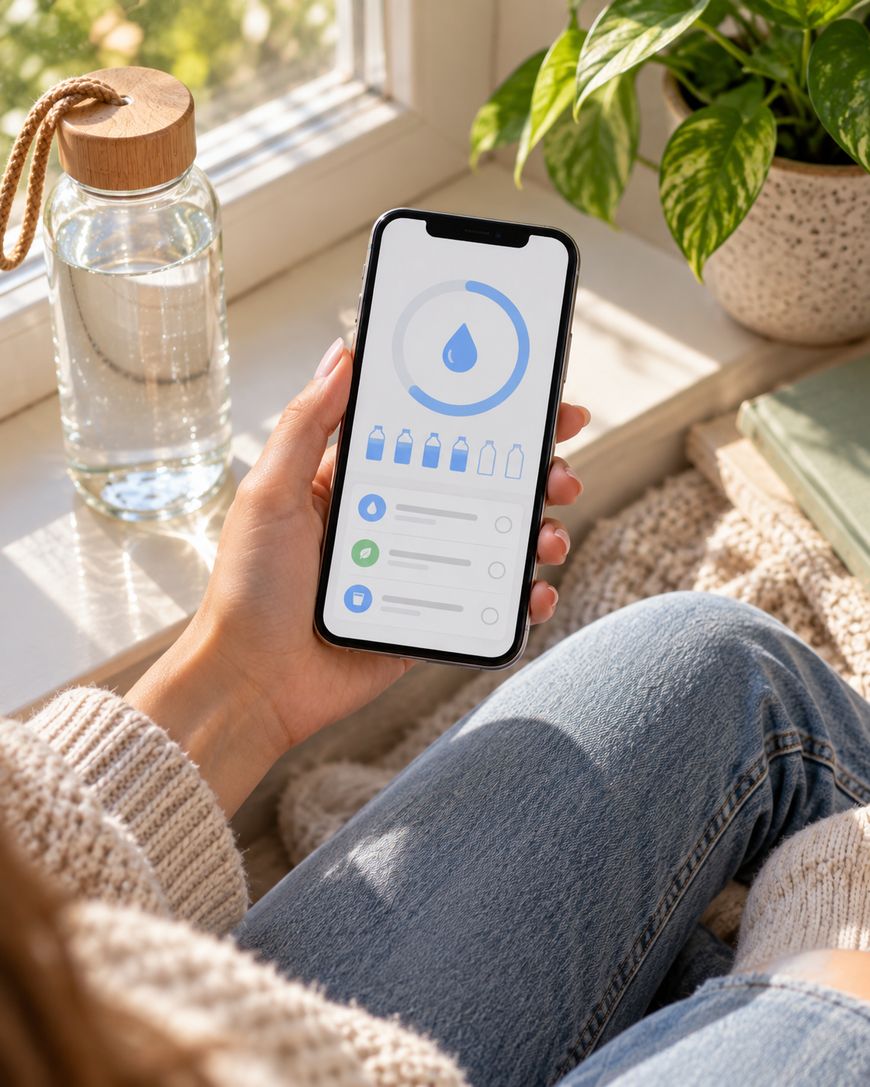
A hydration tracker sounds simple, but it works because it nudges you at the exact moments you would otherwise forget. WaterMinder is a favorite for exactly this reason. Small reminders throughout the day beat one big goal you never check on.
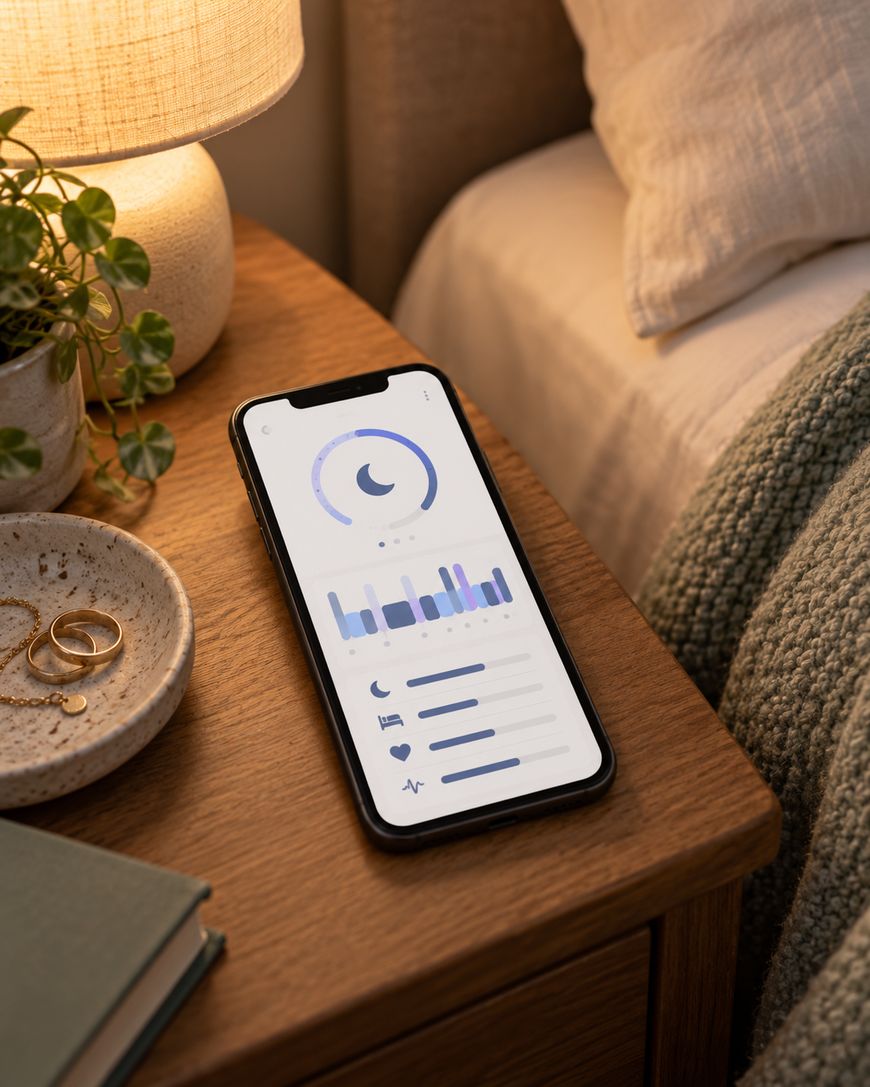
Sleep tracking apps like Sleep Cycle give you a window into what actually happens after you close your eyes. Once you see the pattern between your evening habits and your sleep score, you start making small changes without even trying that hard.
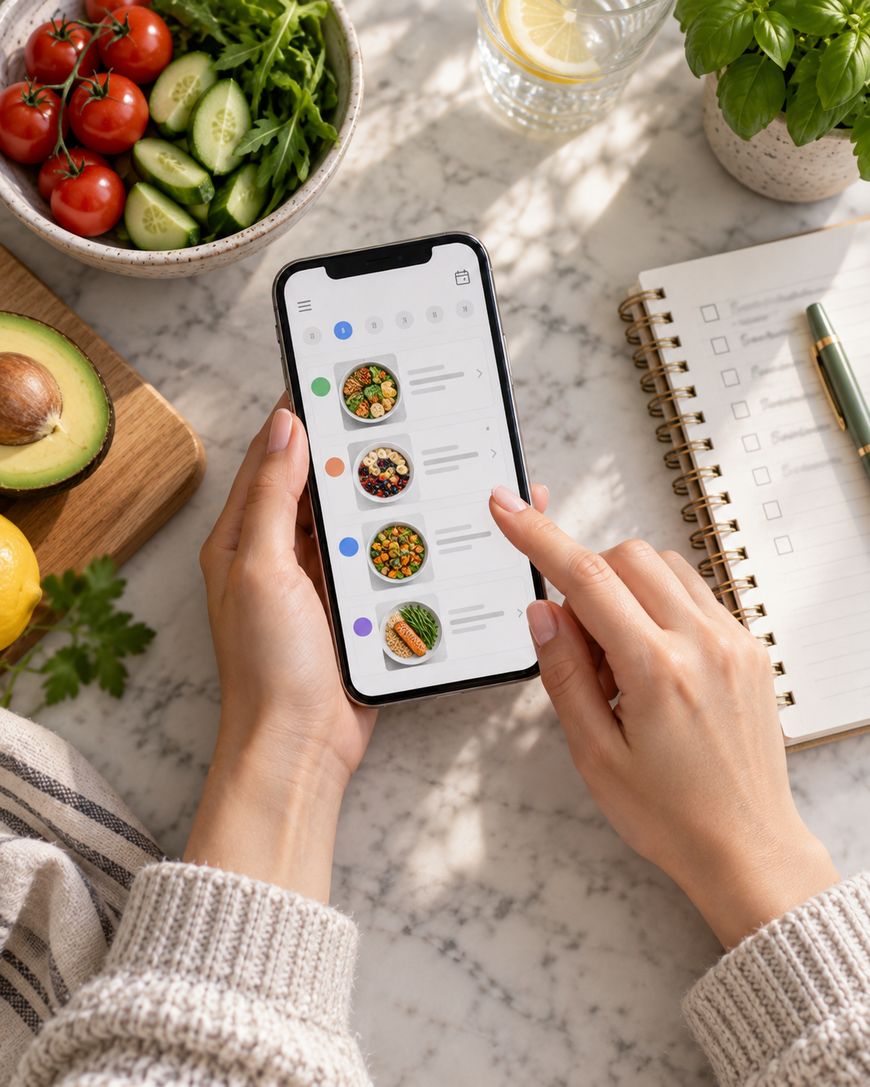
Meal planning apps take the daily “what are we eating” stress off your plate. Mealime and Paprika both let you set your preferences once, then hand you a shopping list built around meals you already picked.
Apps That Make Downtime Better
Not every app needs to be about productivity. A good podcast app with smart queueing, like Pocket Casts or Spotify, means you always have something worth listening to during your commute or your workout.
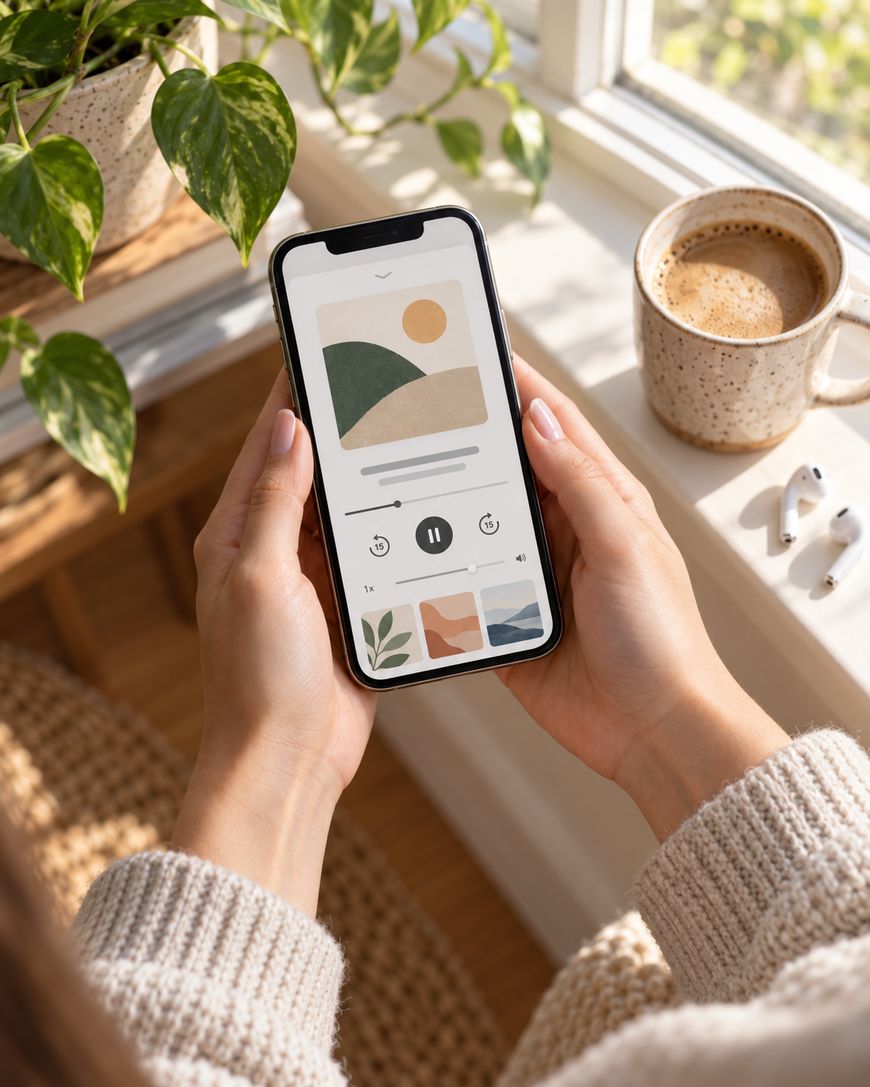
Photo organizing apps like Google Photos quietly work in the background, sorting years of camera roll chaos into something you can actually search. When you want that one photo from three summers ago, you find it in seconds instead of scrolling forever.
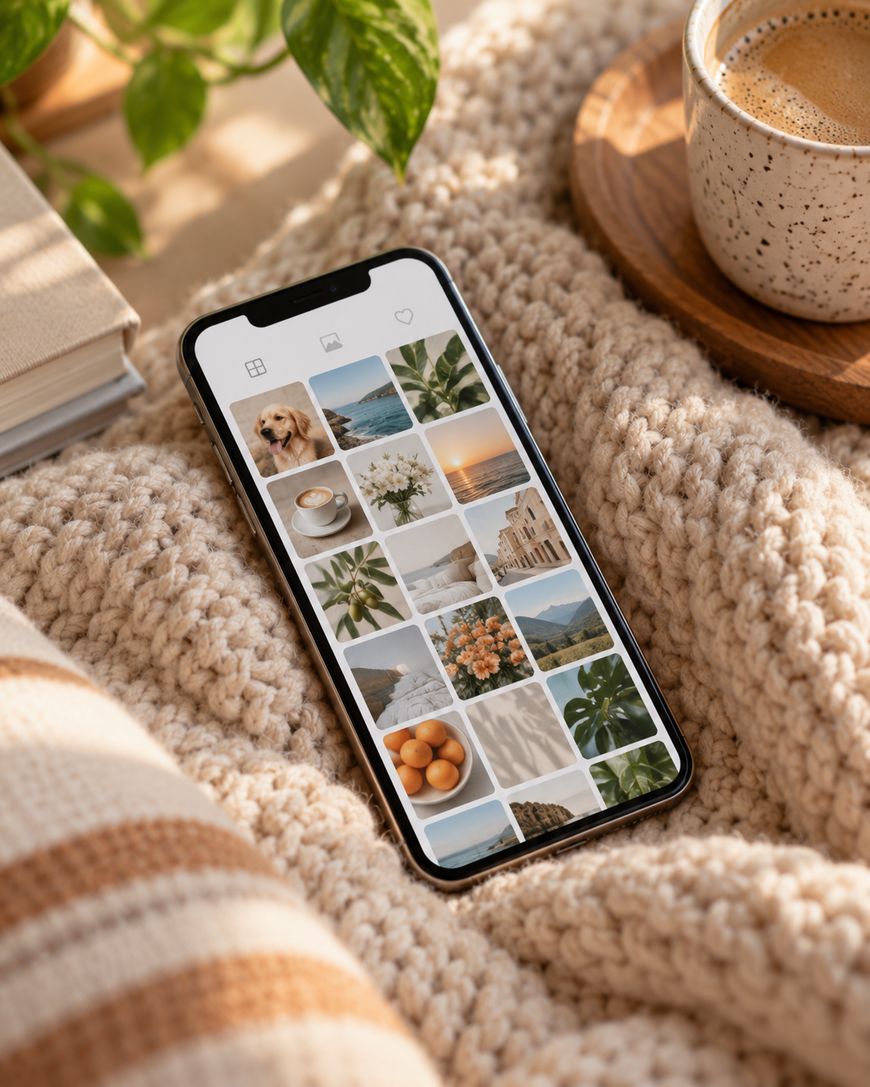
Choose an app that backs up automatically, so a lost or broken phone never means losing your memories too.
If you would rather unwind with a book instead of a screen full of feeds, Libby connects to your local library for free ebooks and audiobooks, and Goodreads helps you keep track of what to read next.
Why These Apps Actually Stick
Most apps get deleted within a week because they ask too much of you upfront. The apps on this list earn their place because they fit into habits you already have instead of demanding brand new ones.
You are far more likely to keep using something that saves you a step than something that adds five new ones. That is the real test for whether an app deserves permanent real estate on your phone.
Frequently Asked Questions
What are the best must have apps for beginners?
Start with one organizer app and one budgeting app before adding anything else. Layering in too many new apps at once is the most common reason people abandon them within days.
Do I need to pay for these apps to get value from them?
Most of the apps mentioned here offer a solid free tier that covers everyday needs. You can always upgrade later if you find yourself relying on a feature the free version limits.
How many apps should I actually keep on my home screen?
Keep your home screen to the apps you use daily and move everything else into a folder or a second screen. A cluttered home screen makes it harder to build the habit of opening the right app at the right moment.
Will these apps work on both iPhone and Android?
Yes, every category mentioned here has strong options on both platforms. The specific app names may differ slightly, but the core features you are looking for exist on either system.
How do I stop myself from abandoning a new app after a few days?
Attach the new app to something you already do daily, like opening it right after you check your email. That small pairing is what turns a download into an actual habit.
What should I look for before downloading a new app?
Check the reviews for complaints about data privacy or excessive notifications before you commit. A quick read through recent reviews tells you more than the app store description ever will.
Start Building Your Must Have Apps List Today
You do not need fifty apps to feel organized, you need the right handful working together. Pick two or three must have apps from this list, give them a real week, and notice how much lighter your day feels.